Everything starts from shapes. Create ▾ in the toolbar has four basic shapes, two holes and fourteen ready-made parts, each a sensible size for a print, about 20 mm across.
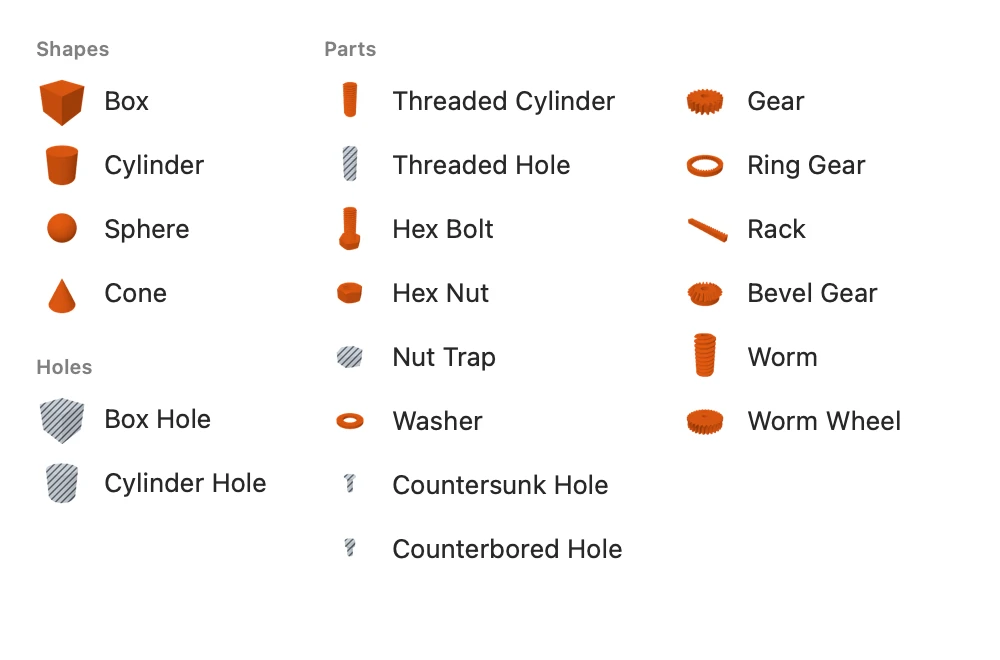
The basic shapes
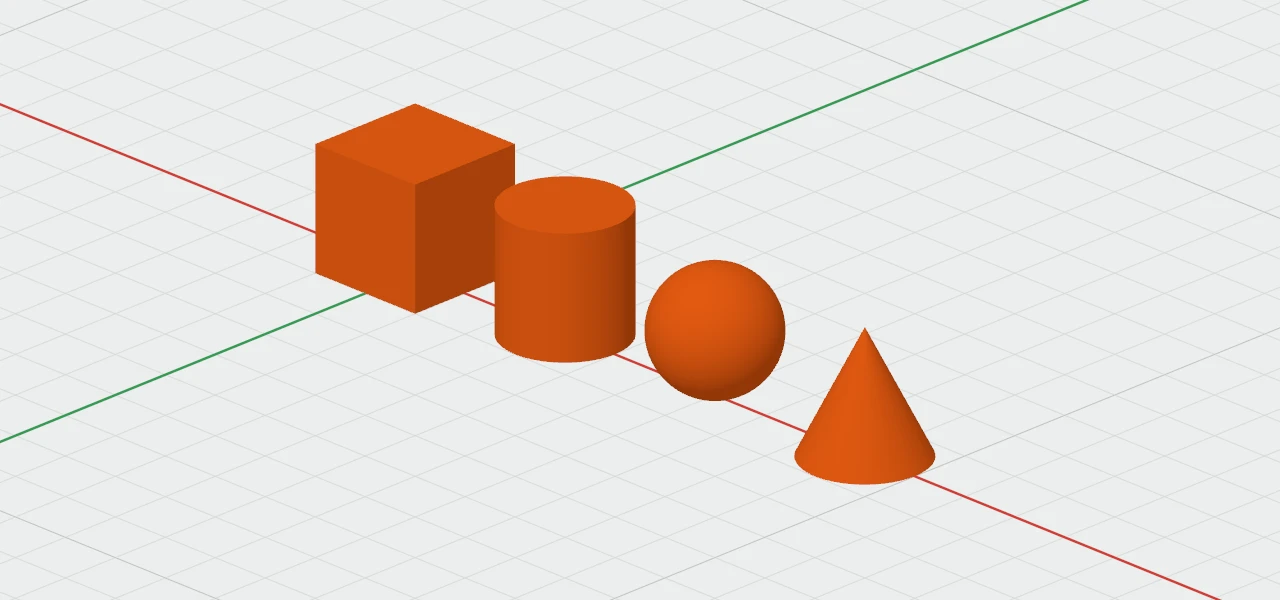
- Box: 20 × 20 × 20 mm. Its sizes are Width, Depth and Height.
- Cylinder: 20 mm across and 20 tall: Diameter and Height.
- Sphere: 20 mm across: Diameter.
- Cone: 20 mm across its bottom, coming to a point 20 mm up: Bottom ⌀, Top ⌀ and Height. A top wider than 0 cuts the point off, and one wider than the bottom turns it upside down.
To add one, see Placing Shapes.
Changing their sizes
- In the inspector's Size section, type any size in any unit, even a sum like 20 + 5. Each change keeps the shape's bottom where it was, so a shape on the plate stays on it as it grows.
- With the handles, drag the squares, or click a size label to type: see Moving, Resizing and Turning.
- Several shapes of the same kind share the fields. Where their sizes differ, the field says "Mixed", and a value typed there sets them all.
- A size that can't be made is refused, the field turns red, and the reason shows under it, such as "A box's width, depth and height must each be more than 0 mm."
Names
Each new shape is numbered after the last of its kind: Box 1, Box 2 and so on. Rename it in the inspector's Name field, or double-click it in the object list.