A sketch's closed shapes become a solid in one of two ways: extruded, pushed straight out of the plane they're drawn on, or revolved, swept round an edge like a pot on a wheel. Both are settings of the sketch, so you can change them, and the drawing, at any time.
Extrude or Revolve
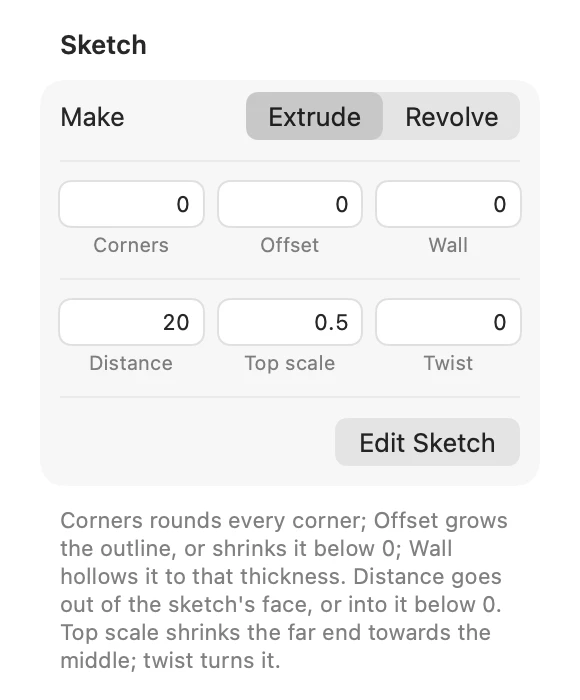
Choose with the bar's Make while sketching, in the inspector's Sketch section, or with Sketch ▾ › Extrude or Revolve for the selected sketches. Each kind keeps its own settings, so switching back and forth loses nothing.
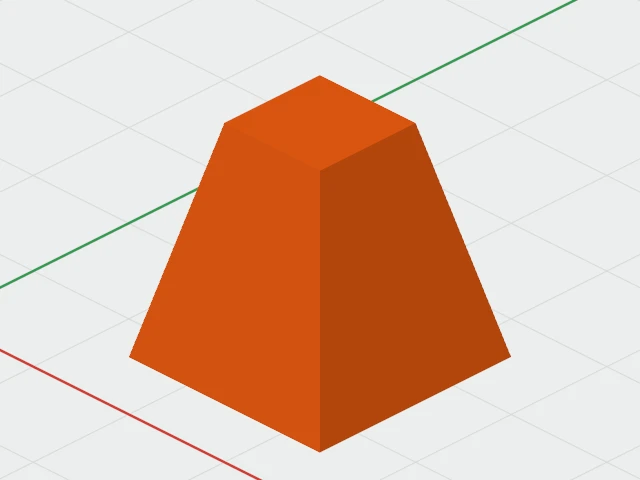
Extruding
- Distance: how far the solid goes out of the sketch's face, 10 mm to start with. Below 0, it goes into it.
- Top scale: the far end's size, as a fraction of the sketch's: 1 is straight, 0.5 half the size, 0 a point. It shrinks towards the middle.
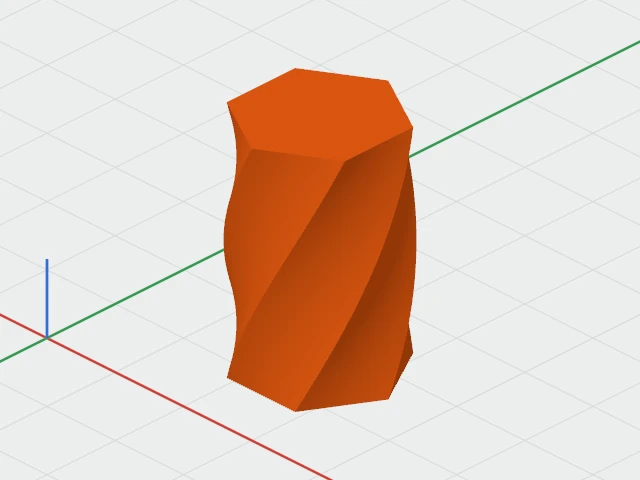
- Twist: how many degrees the far end turns, anticlockwise looking down on the sketch.
Revolving
Draw half of the shape's outline, its profile, and revolve it round one of its edges.
- Angle: how far round it sweeps, up to 360°.
- Round: the Left Edge, an upright line through the drawing's leftmost point, or the Bottom Edge, a line across through its lowest.
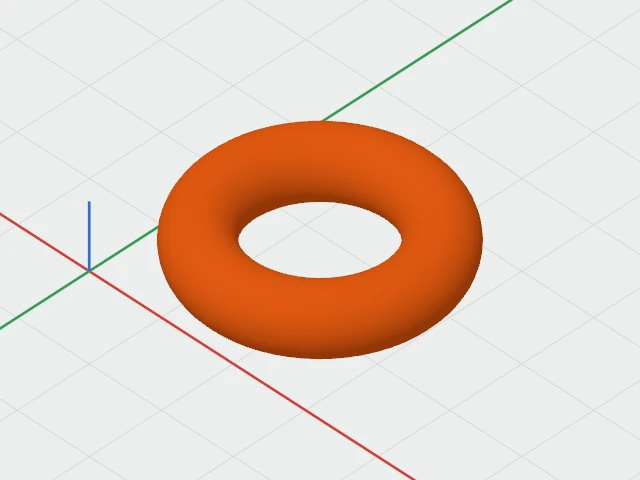
- Axis gap: how far beyond that edge the axis is. 0 sweeps round the edge itself; more leaves a hole down the middle, as in a ring.
Changing it later
Select the sketch and change any of these in the inspector's Sketch section, each change one undo step.
To change the drawing itself, choose Edit Sketch: in Sketch ▾, on the right-click menu, or at the bottom of the inspector's Sketch section. Or double-click the sketch. The drawing reopens on its plane, the view turns to face it, and Done puts it back as one undo step, "Edit Sketch".
Resizing a sketch with its handles stretches the drawing; a revolved one stays round.