Give any object a colour, like choosing a filament: one of twelve swatches, or any colour at all. New shapes are orange until you colour them.
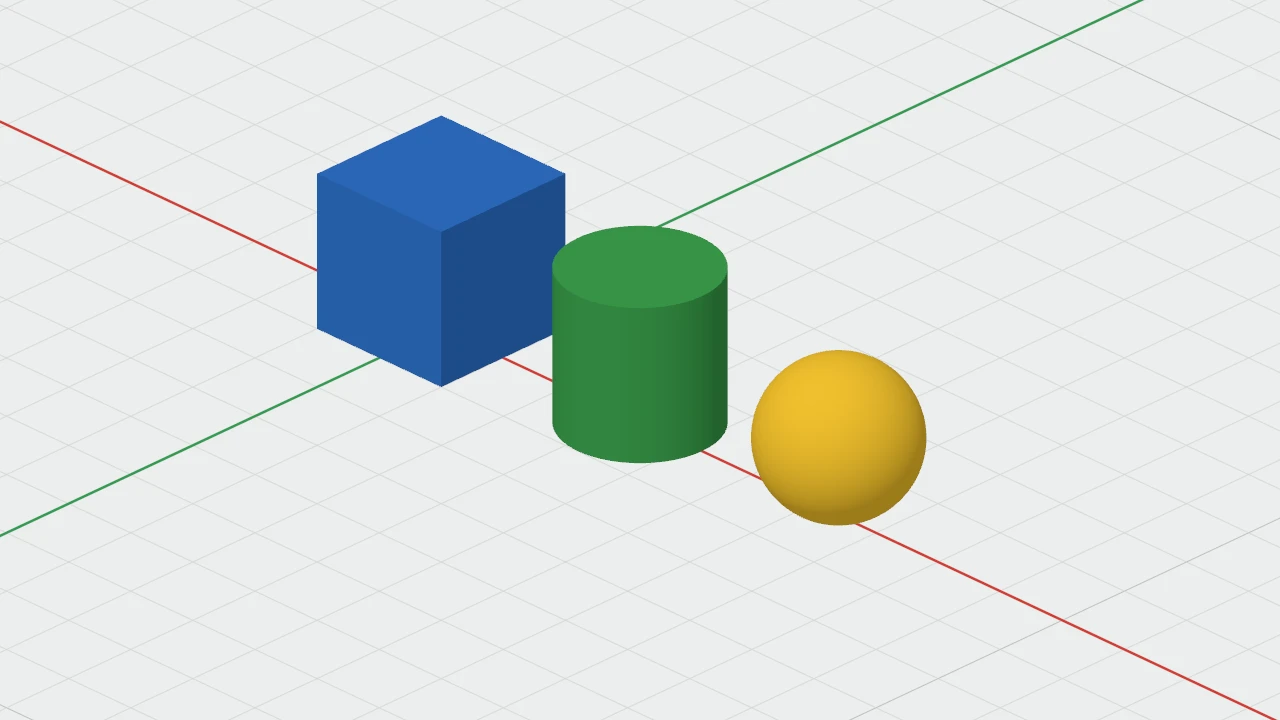
Choosing a colour
Select the objects, then choose a colour in any of these places, which all do the same:
- The inspector's Colour row: twelve swatches, with Default and Other… under them.
- Right-click › Colour in the 3D view. On an object that isn't selected, it colours that object.
- Object › Colour in the menu bar.
- The toolbar's Colour button, which shows the selection's colour.
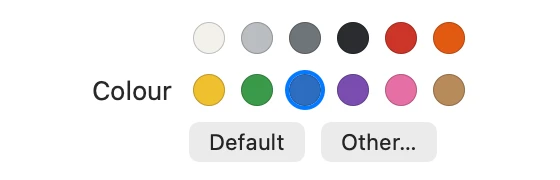
- Other… opens the colour picker, for any colour.
- Default takes the colour away: back to orange, or to the colour of the group it's in.
The twelve swatches are White, Silver, Grey, Black, Red, Orange, Yellow, Green, Blue, Purple, Pink and Wood. Each colour change is one step to undo.
Groups
Colour a group and every part of it takes that colour. Inside a group being edited, each member can have its own colour, which shows when the group's colour is Default.
Holes
Holes are drawn striped, so they have no colour, and the walls a hole cuts take the colour of whatever it cuts. Make a hole solid again to colour it.