Route joins a flat face on one piece to a flat face on another with a smooth bend that keeps the first face's shape the whole way round, like a hose elbow. A pipe stays a pipe: its width, and its wall if it's hollow, carry round the bend, and only over the last stretch does it ease into the second face's size.
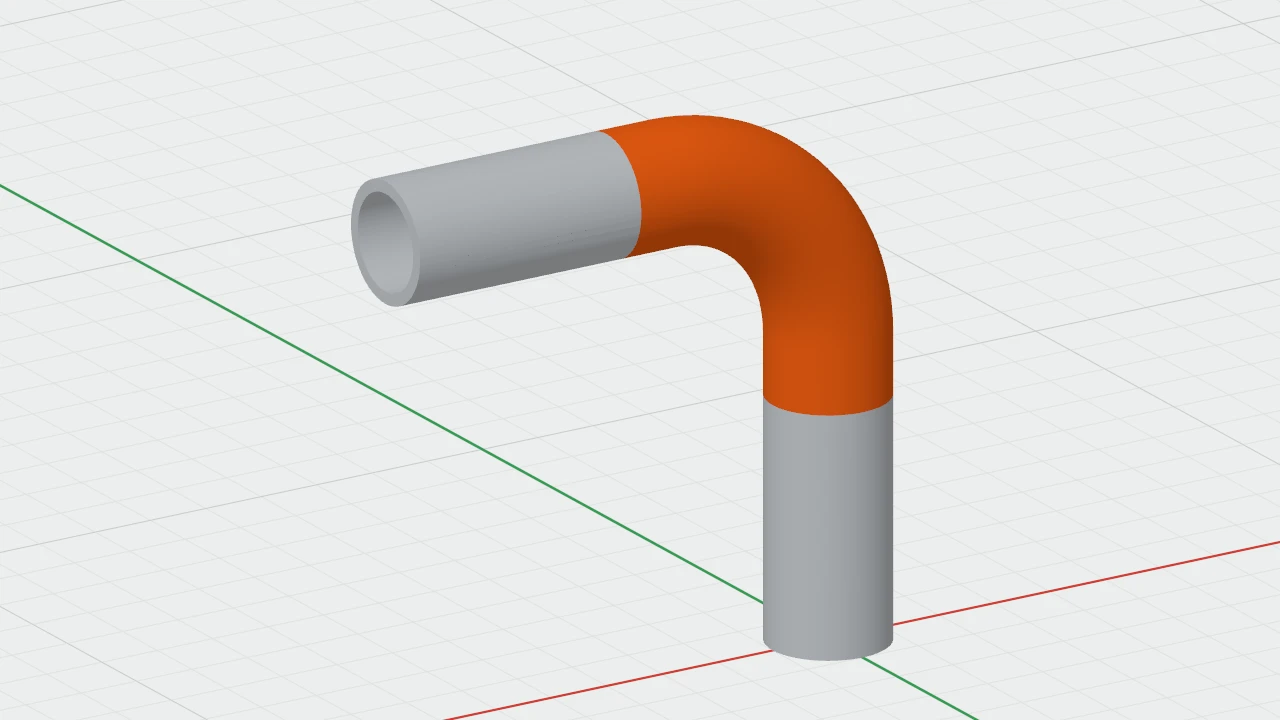
Route or Loft?
Both join two faces. A loft blends one outline into the other, each point taking its own way across, so a bend gets pinched in the middle and a hollow pipe's wall gets thin. A route carries the first face's cross-section along the path instead, always square to it and never twisted.
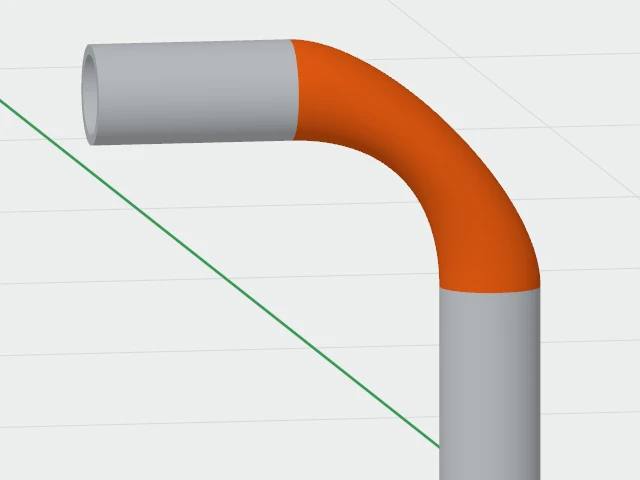
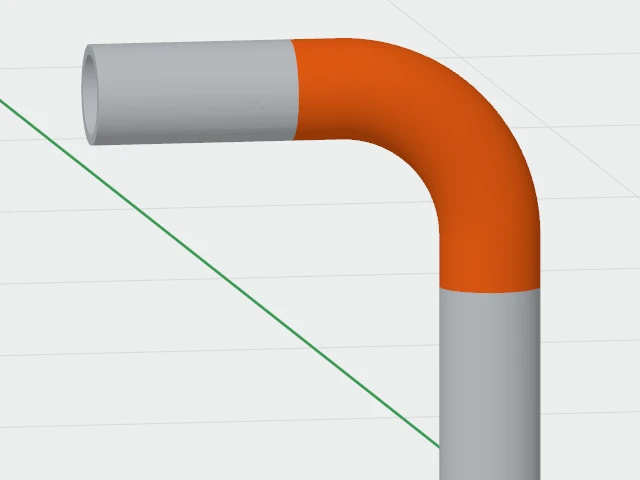
Use Loft to blend between different shapes, such as a round end into a square one. Use Route for pipes, ducts, cable guides and anything else that should keep its size round a bend.
Making a route
- Choose Create ▾ › Join › Route… in the toolbar. It's also in the Create menu in the menu bar, and you can right-click a face and choose Route from Here, which picks that face for you.
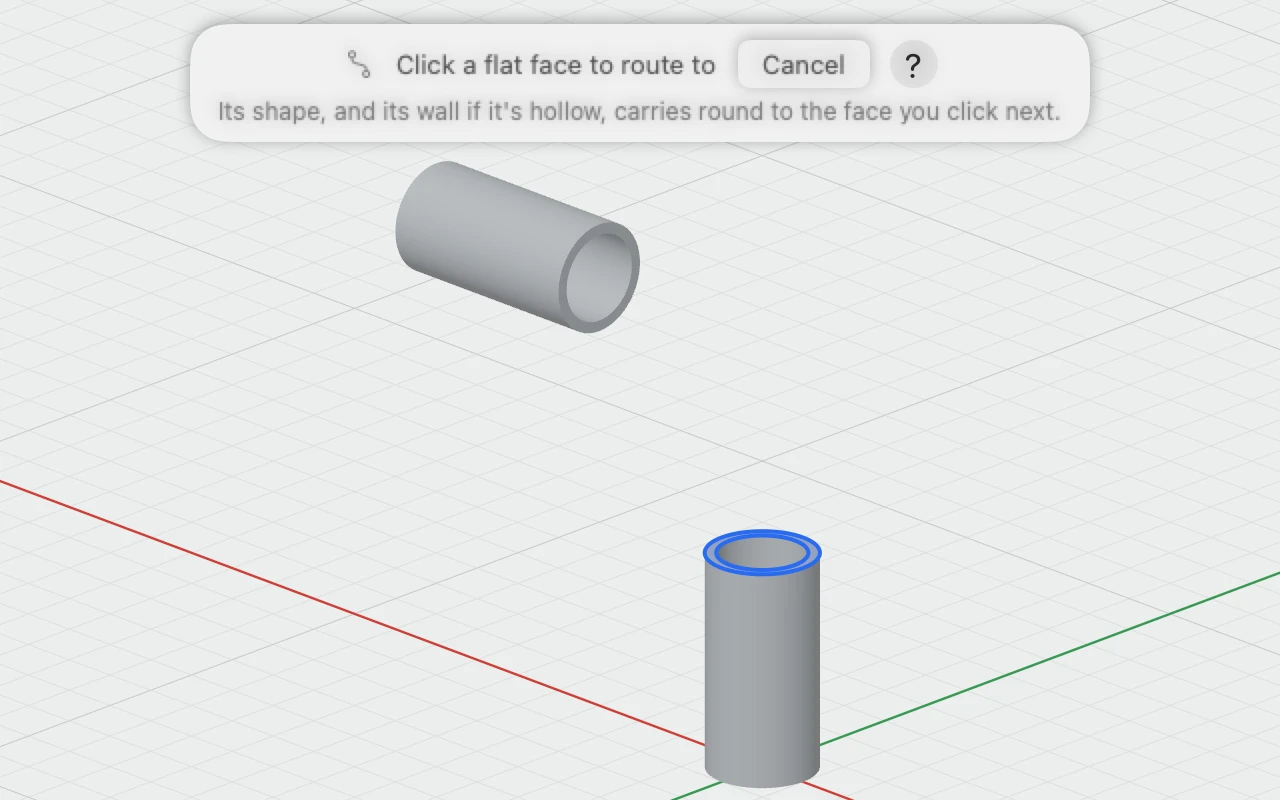
- Click the flat face to start from. It lights up, and the bar at the top of the view asks for the second face.
- Click the flat face to finish on. A see-through preview shows the route, and the bar says how it bends.
- Leave Bend radius empty for the automatic radius, or type one, then click Apply.
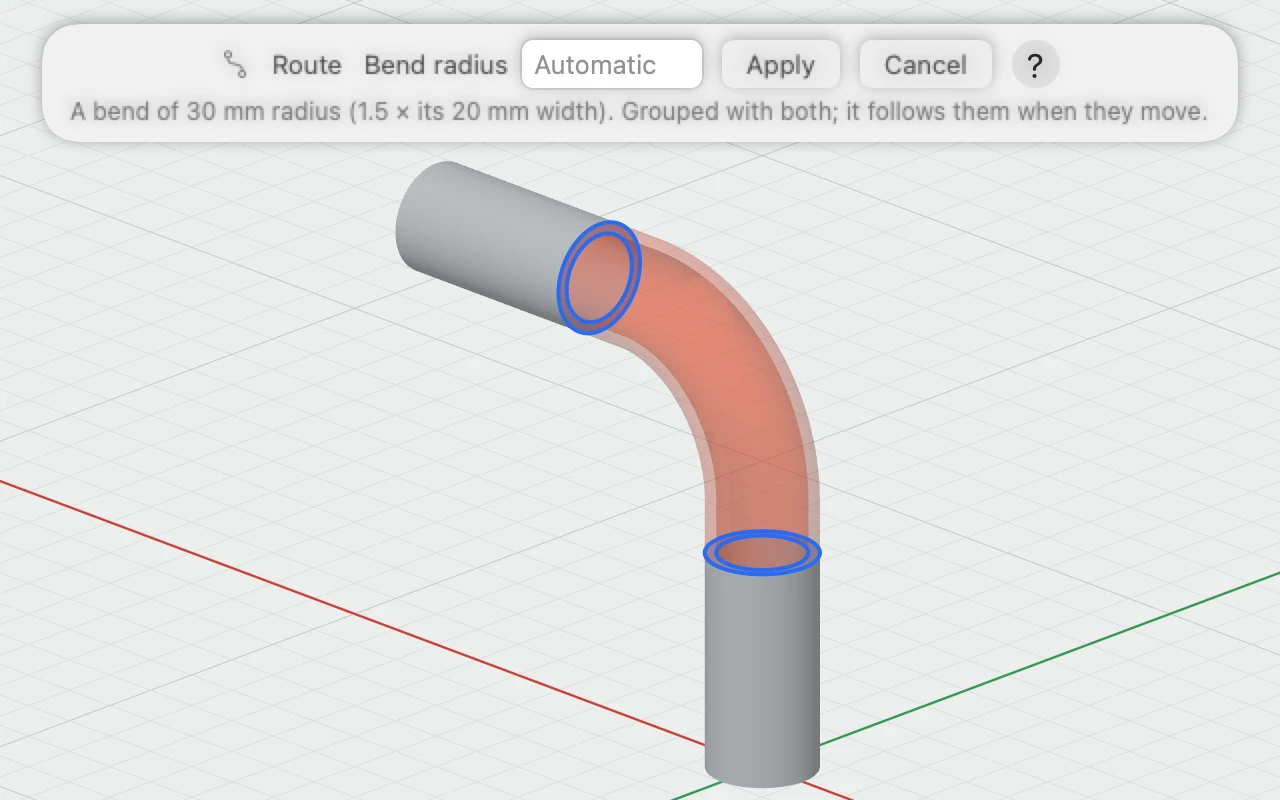
The route is grouped with both pieces as one object, named "Route 1", "Route 2" and so on, and the group is selected. One ⌘Z undoes the whole thing.
How it bends
- Pieces whose centre lines meet, such as two pipes at right angles, get a true elbow: straight, a circular arc, then straight again.
- Pieces that are offset or skewed get one smooth curve, the shortest whose tightest bend is no tighter than the bend radius.
- Faces in line, facing each other, get a straight run.
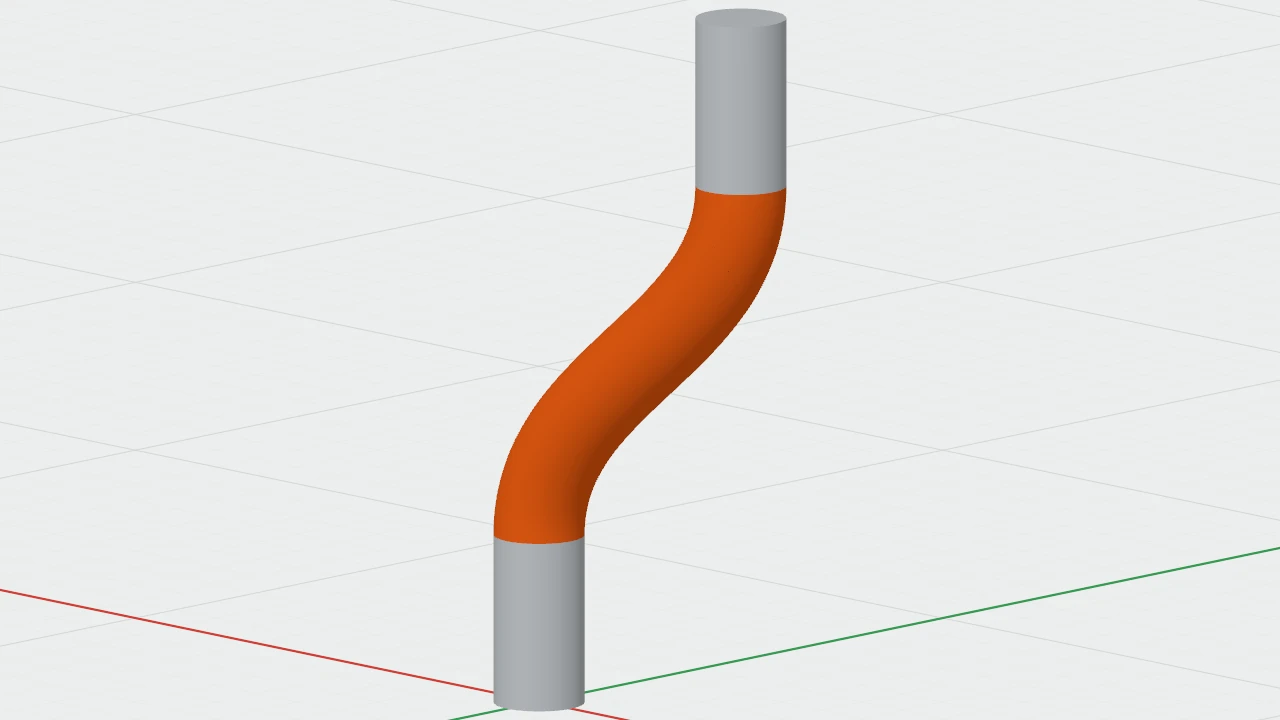
The bar and the inspector say which you have, such as "A bend of 30 mm radius" or "A curve whose tightest bend is 22 mm radius".
The bend radius
The bend radius is measured to the middle of the pipe. Left empty, it's 1.5 times the pipe's width. You can type any length in any unit, such as 30 or 1.5 in.
- Pieces too close for the radius you asked for: the route bends as tightly as they allow, and says so in orange.
- A radius less than just over half the pipe's width would fold the inside of the bend, so it's refused, with the smallest that works.
- Too close to bend at all: move the pieces apart, or set a tighter bend radius.
Changing it afterwards
Double-click the group to edit inside it, then click the route. The inspector's Route section has its bend radius, how it bends, and the two faces it joins.
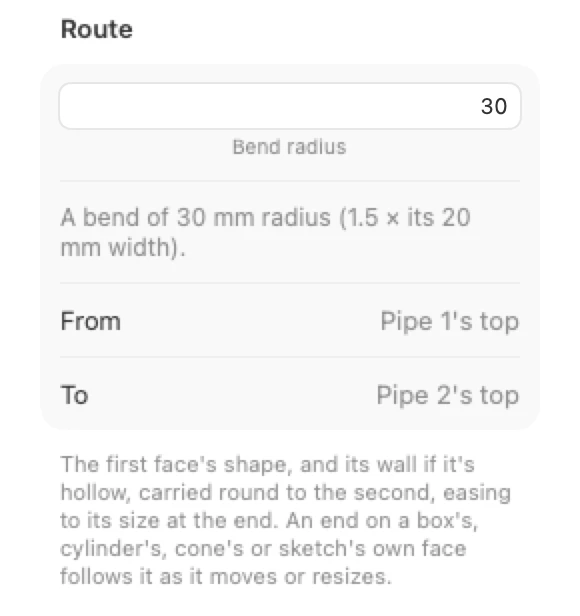
- Move or resize either piece and the route follows, made again to fit. This works for an end on a box's, cylinder's, cone's or sketch's own face.
- Changing the bend radius never moves the route's ends.