Push/Pull changes a shape by moving one of its flat faces: drag the top of a box up and the box gets taller, or push a rectangle sketched on a face into it to cut a pocket.
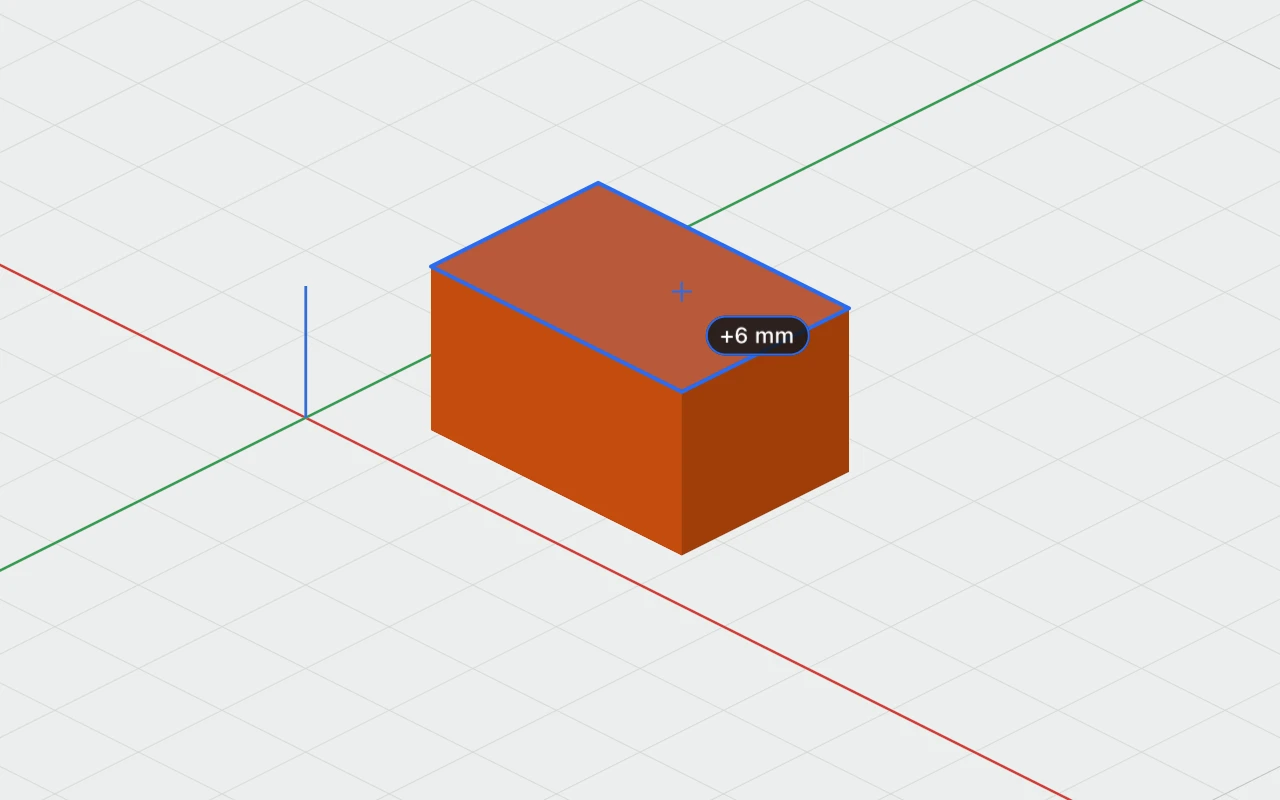
Using the tool
- Turn Push/Pull on: in the toolbar, P, or right-click › Push/Pull. Flat faces light up as the pointer passes over them.
- Drag a face along the way it faces: out to pull it, in to push it. It moves in grid steps, and the distance shows beside the pointer, such as "+6 mm". Hold ⌘ while dragging to move it freely.
- Let go. The change is one undo step, "Push/Pull", and the object is selected.
Or click a face without dragging, type how far to move it and press Return: above 0 pulls it out, below 0 pushes it in.
What a face does
- A box's side, or a cylinder's or cone's end: that size changes, and the opposite face stays where it is.
- A sketch's far end: how far it's extruded changes. Its own face, on the plane it was drawn on, moves while the far end stays.
- Any other flat face, such as a face of a combined object: a new piece the shape of the face is added. Pulled out, it's a solid, "Pull 1"; pushed in, it's a hole, "Push 1". Either is grouped with the object, or goes inside it if it's a group.
Curved surfaces, such as a cylinder's side, don't light up. Nor do locked objects, or imported models that aren't watertight, which can't be cut.
Pockets
To cut a pocket into a face, sketch its outline on the face first, then push the sketch's top down past the face. It becomes a hole, grouped with what it's on.
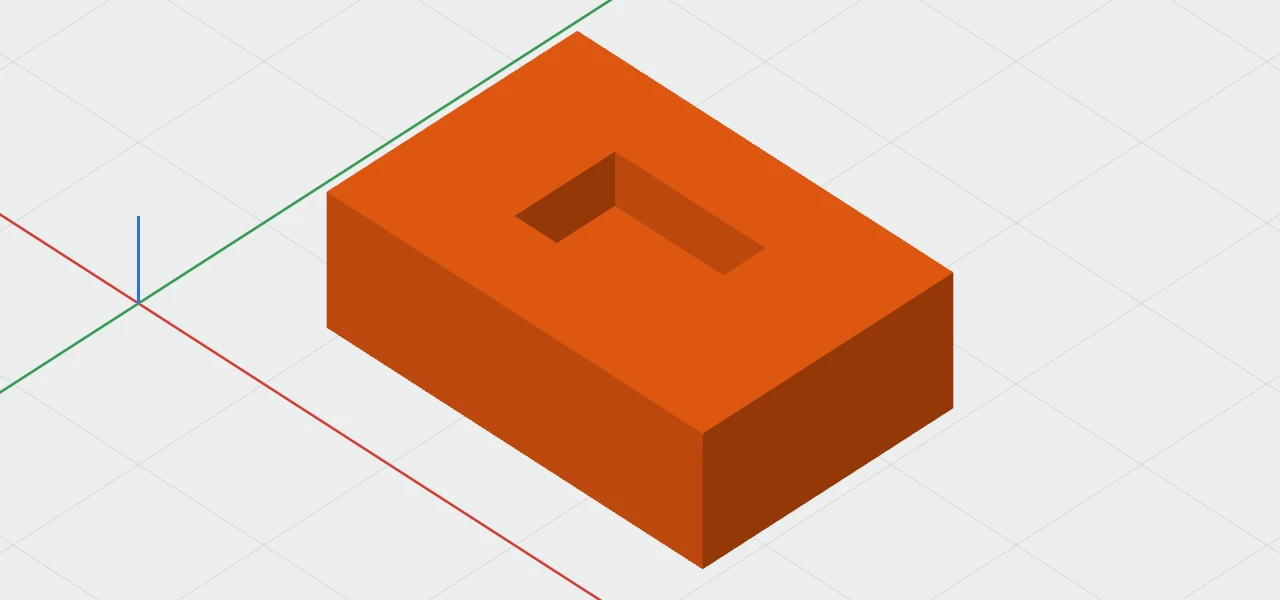
Pull it back out past the face and it's solid again. Pulling up the floor of a pocket makes it shallower, as you'd expect.