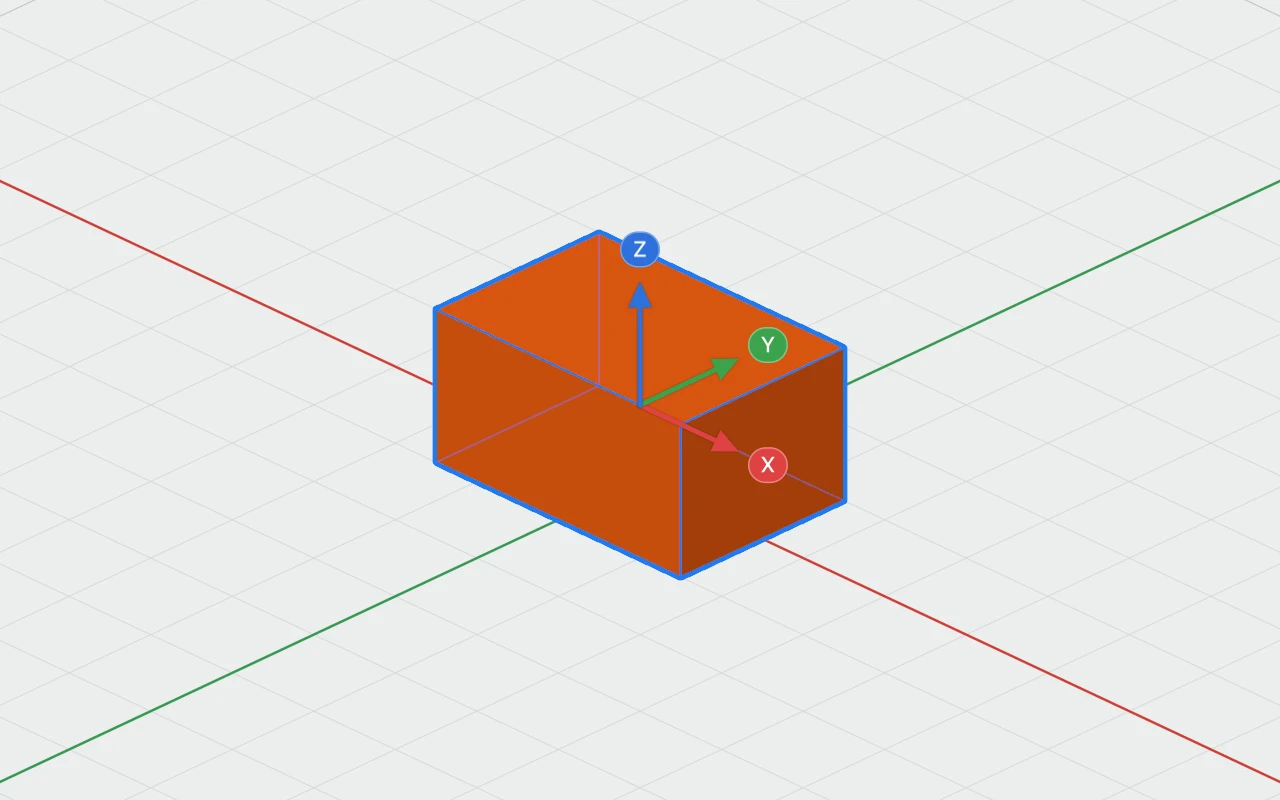
The Move tool slides the selection along one direction only, X, Y or Z, by dragging or by a distance you type.
Using it
- Select what to move.
- Turn the Move tool on: in the toolbar, M, Object › Move, or right-click › Move.
- Drag an arrow to slide the selection along it, and only along it.
- Or click an arrow's X, Y or Z label, type a distance, such as 10, -5 or 1 in, and press Return.
When a workplane is set, the arrows follow its directions instead of the plate's.
Leaving it
Press Esc, click empty space, press M again, or choose another tool. The selection stays selected.